👉 Before You Begin (Quick Tips to Avoid Delays)

We want this process to be as smooth as possible. There are a few system steps that can catch people off guard, so here’s a heads-up:
💳 $100 Temporary Authorization (Not a Charge)
After your credit card is saved, a verifcation of $100 will be charged — then immediately refunded.
This is just a verification step not a charge (we know… not ideal)Billing Timing
You are only charged after your job is completed and invoiced — never upfront.Credit Card Processing Fees
A processing fee will apply to credit card payments.
👉 To avoid this fee, you may pay by debit card or ACH (bank transfer) — no fees applied
👉 RCMS Cheat Sheet
Knowing these things will have you submitting your request takes less than 2 minutes.
How To Enter A Service Request →
After logging in, go to the left side of the page → click ➕ New Order → select Service of Process or Eviction Service
👉 “⚠️ These 3 field things cause 90% of issues:”
Billing Reference (Required — must be first)→ You must enter this before any other fields will open
Examples if you are….
Law Firm = Client name / File #
Property Manager = Property address / Tenant name
Pro Per = Last name of person being served
Attorney (Required) → If you are not an attorney:
Click the icon next to the field and enter:
First and Last Name = Your name
Email = Your email
Attorney Number = 00000
(We know… we’re working on getting this removed)
Representing (Required) → Select Plaintiff (this is you)
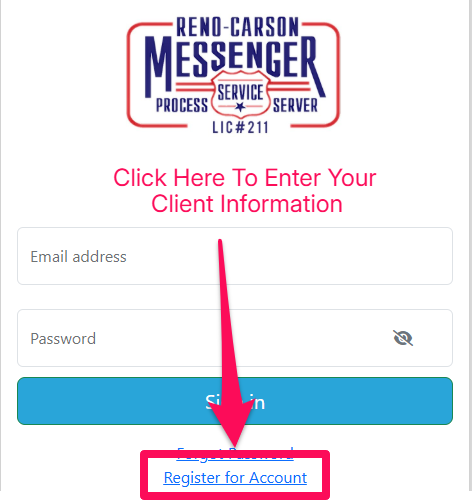
That’s it — you’re ready
Click “Register for Account” below to create your account and submit your request.